Speedometer One · iPhone · Apple Watch
Your speed. At a glance.
Speedometer One shows how fast you’re going in big, clear numbers, and tells you when GPS isn’t good enough instead of guessing.
- 45 mph is 72 km/h. Tap the number to switch to km/h or knots.
- A map with no signal. With Pro, a map behind your speed turns with you, offline.
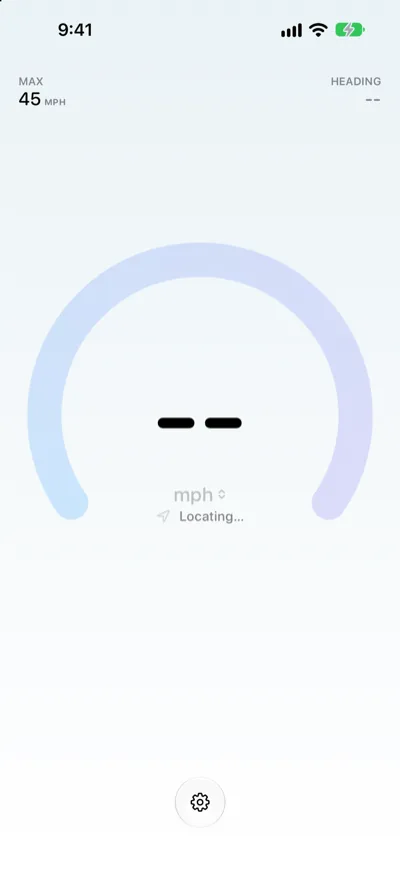
- -- until it’s sure. No made-up 0 while GPS is still locating.
Download Speedometer One on the App Store
Free to download. Speedometer One Pro is a one-time in-app purchase.
Speed
Big numbers. Your units.
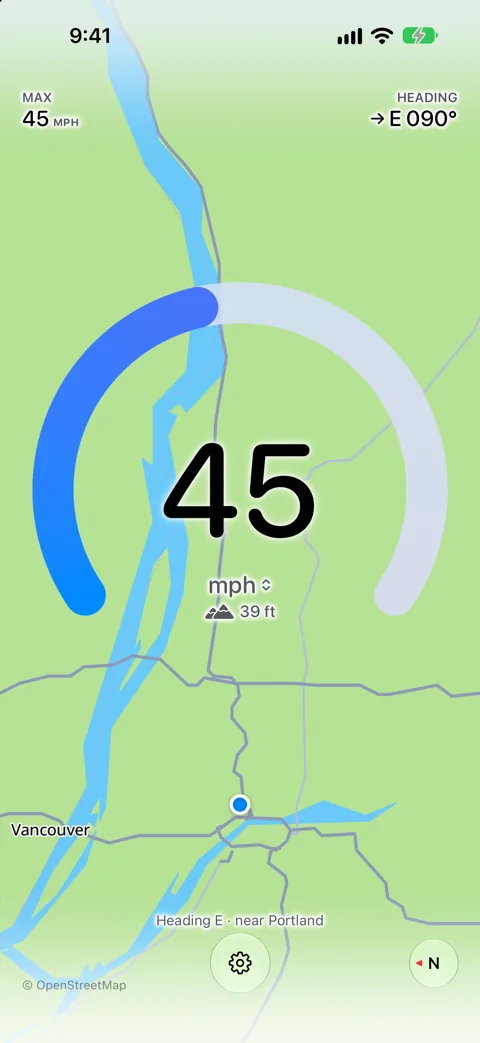
Your speed fills the middle of the screen in big, rounded numbers. Tap it to switch between mph, km/h and knots, and the screen stays on while the app is open.
45 mph · 72 km/h · 39 kn
Map Background · Pro
See where you are, even offline.
A map sits behind your speed and turns with your direction of travel, so the way ahead is always up. The map is built into the app, so it keeps working with no cellular or Wi‑Fi connection.
Heading E · near Portland
Honest GPS
No made-up zeros.
Until GPS gives a reliable reading, Speedometer One shows -- and says why. In a tunnel, your last speed stays on screen, dimmed, with the time since the last fix, then clears.
Locating… · Low GPS accuracy · GPS signal lost · 12 sec. ago
Live Activity · Pro
Your speed, without opening the app.
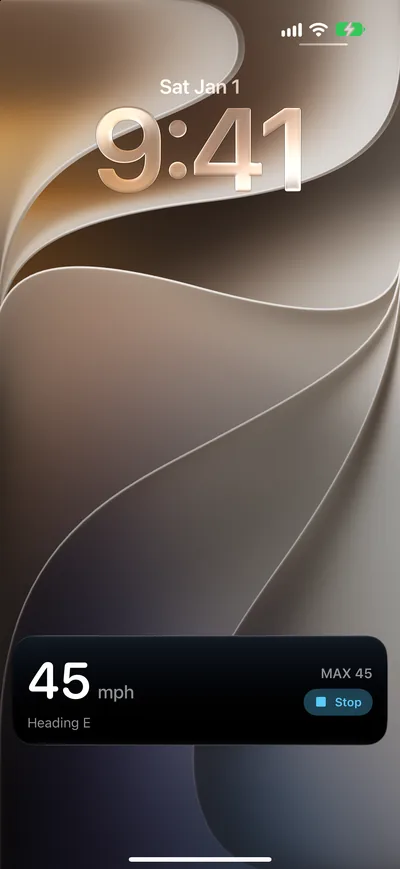
Start a Live Activity and your speed and max stay on the Lock Screen and in the Dynamic Island. Turn on Start Automatically, and it starts when you leave the app while you’re moving.
Tap Stop on the Lock Screen when you’re done.
Even more with Pro.
Pay once. No subscription.
Max Speed
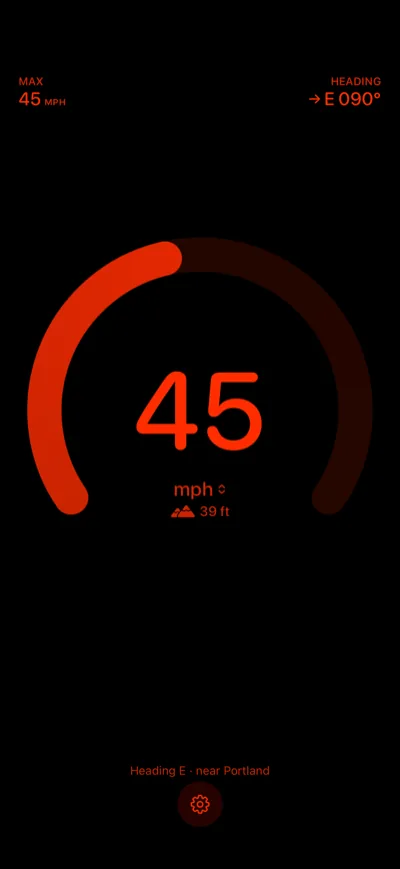
MAX 45 mph. Your peak, from accurate GPS readings only, kept until you reset it.
Elevation
39 ft. Your altitude below your speed. Tap it to switch to meters.
Heading
E 090°. An arrow, a compass point and degrees, for the way you’re going.
Haptics
A tap at a new max. Feel it when you set a new top speed, and a tick when you change units.
Night Mode · Pro
Easier on your eyes at night.
Night Mode turns everything red on black, and hides the map and the status bar. It stays off until you turn it on in Settings.
Apple Watch
Your speed on your wrist.
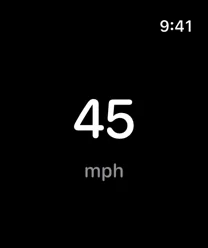
Speedometer One on Apple Watch shows your speed in big numbers, with no purchase needed. Tap the screen to switch units.
mph · km/h · kn
Accessibility
Readable at every text size.
The speed, labels and buttons grow with your text size, up to the largest accessibility sizes. VoiceOver reads your speed in full and tells you when the GPS signal changes.
“45 miles per hour”
Privacy
Data Not Collected.
No accounts. No ads. No tracking. Your speed is worked out on your iPhone, and your location history isn’t saved.