Add and manage cities in Travel One
Add the places you're going. Each city gets its own page on the board.
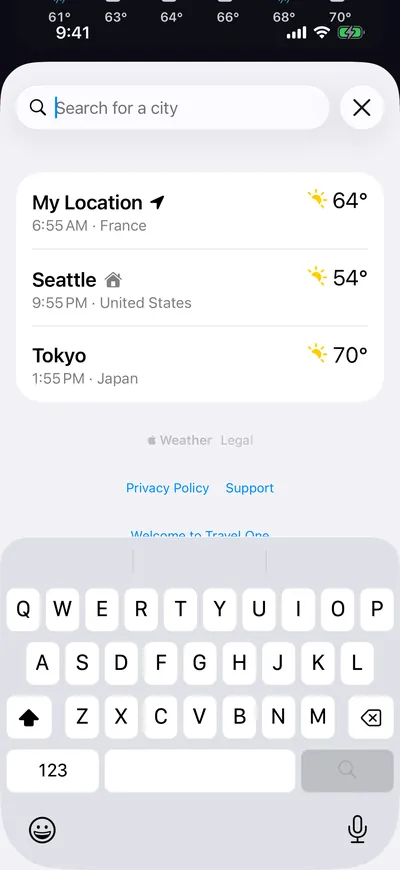
Add a city
- Tap Cities (the list button at the bottom right of the board).
- Type in Search for a city, then tap a result.
The city is added to the end of the list. The list stays open so you can add more.
Note: You can save up to 20 cities, plus My Location. At the limit, search shows City limit reached.
Manage your cities
- Tap Cities.
Do any of the following:
- Go to a city: Tap it.
- Reorder cities: Tap Edit, then drag cities. My Location stays first.
- Delete a city: Swipe left on it, then tap Delete.
Note: You can't delete your Home city. Set another city as Home first.