Add tiles in Travel One
Add tiles that aren't on the board, such as Essentials.
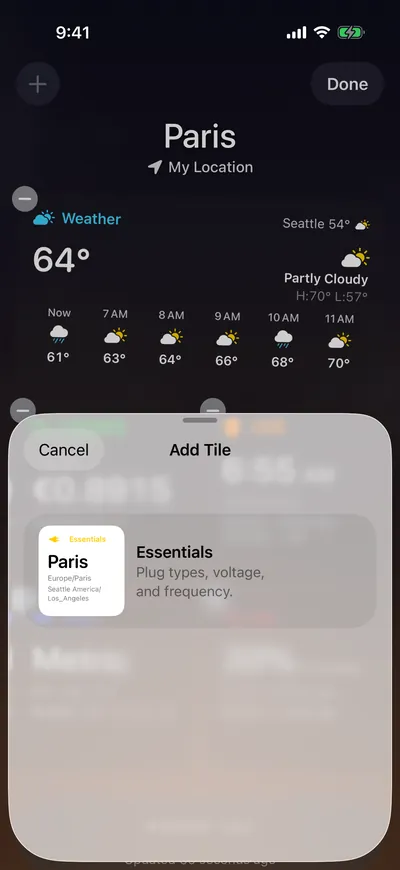
Add a tile
- Tap More, then tap Add Tile.
- Tap a tile.
- Choose Small or Wide, then tap Add Tile.
The tile is added at the end of the board. Each tile can appear once; when all six are on the board, the sheet shows All Tiles Added.