Check plugs and voltage in Travel One
See which plugs fit and what voltage is used, Away and Home.
Add Essentials
- Tap More, then tap Add Tile.
- Tap Essentials, then tap Add Tile.
Check plugs and voltage
- Look at the Essentials tile: a picture of each socket, and the voltage and frequency, such as 230 V · 50 Hz. Below, it shows Home's voltage and whether the plugs match Home's.
- Tap the tile for details. Plugs lists each socket with a picture and description; Power shows voltage and frequency.
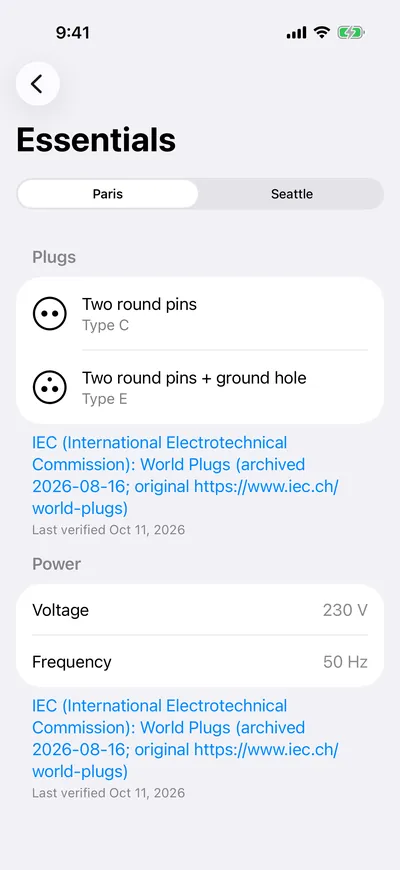
Note: Plug and power data comes from IEC World Plugs and is built into the app.