Use large text and VoiceOver
Speedometer One works with the text size you choose in iOS, up to the largest accessibility sizes, and with VoiceOver.
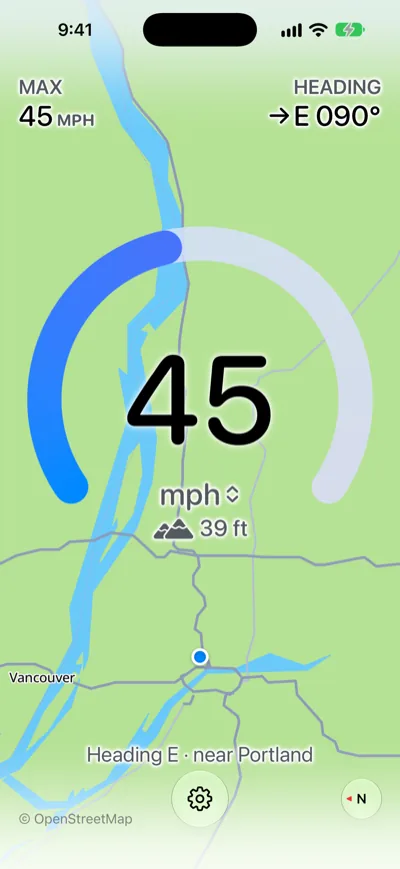
Larger text
The speed, labels and buttons grow with your text size. Where space is tight, Speedometer One shortens a label rather than cutting off a number, for example Low accuracy instead of Low GPS accuracy.
VoiceOver
Do any of the following:
- Hear your speed: VoiceOver reads the speed in full, for example “45 miles per hour.”
- Change units: Double-tap the speed.
- Hear GPS changes: VoiceOver tells you when the GPS signal is lost, when accuracy is low, and when the signal is restored.
Note: With Reduce Motion on, Speedometer One tones down its animations. For example, MAX dims briefly instead of growing when you set a new peak.