Read your speed
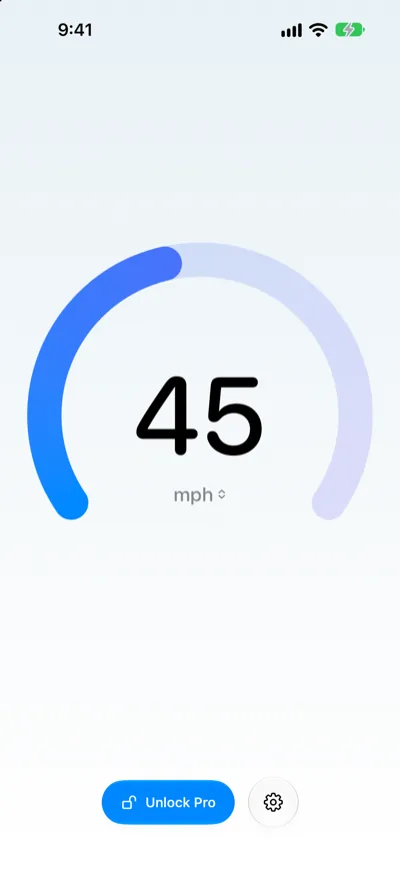
Your speed is the large number in the middle of the screen. Below it are the unit and, when GPS isn’t giving a reliable reading, a status line.
Change units
Do any of the following:
- Cycle units: Tap the number. It goes from mph to km/h to kn (knots), then back to mph. At 45 mph, you see 72 km/h, then 39 kn.
- Choose a unit: Tap the unit below the number, then choose mph, km/h or kn.
- Use Settings: Tap the Settings button, then choose a unit in Speed.
What the status line means
- Locating… The speed shows -- until the first reliable GPS fix. Speedometer One doesn’t show 0 while it’s waiting.
- Low GPS accuracy GPS readings are arriving, but they’re imprecise. The speed may be less exact, and your max speed doesn’t change. If readings are too imprecise to tell whether you’re moving, the speed shows --.
- GPS signal lost · 12 sec. ago No GPS readings are arriving, for example in a tunnel. Your last speed stays on screen, dimmed, with the time since the last fix. If the signal doesn’t come back soon, the speed changes to --.
Note: When you come back to Speedometer One after a while, it shows Locating… until a fresh fix arrives, so an old speed is never shown as current.