Set up Speedometer One
The first time you open Speedometer One, it explains what it does, then asks to use your location.
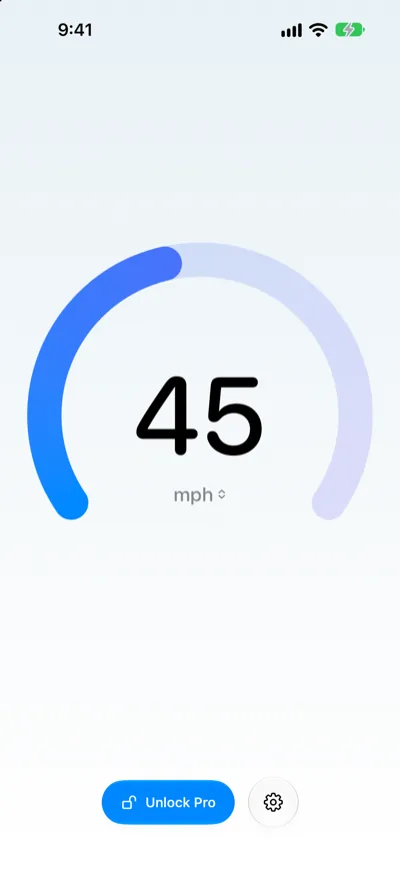
Set up Speedometer One
- Open Speedometer One.
- Read the Welcome screen, then tap Continue.
- When iOS asks, allow Speedometer One to use your location while you’re using the app.
- Wait for a GPS fix. Until then, the speed shows -- and Locating….
If location access is off
If you didn’t allow location access, Speedometer One shows Location Access Off. Tap Open Settings, then allow location access for Speedometer One.
If the screen shows Location Restricted, location access is limited on this iPhone, for example by Screen Time, and can’t be changed from Speedometer One.
Note: Speedometer One uses your location only while you’re using it, or while its Lock Screen Live Activity is running. The screen stays on while Speedometer One is open.